

Every few months someone asks me what tools I actually use. Not what I recommend to clients. Not what’s on my resources page. What’s open on my screen on a Tuesday afternoon when I’m trying to get something done.
This is that list. It’s shorter than you’d expect.
Google Workspace — the backbone I stopped noticing
I’ve been on Google Workspace since before it was called Google Workspace. Gmail, Drive, Meet, Calendar, Docs — it’s so embedded in how I work that I genuinely forget it’s a product I pay for.
I’ve fiddled with a lot of LLMs and productivity ecosystems this year. Claude, OpenAI, a few others. And every time I’ve come back to the same realisation — I’m a Google native. My files live in Drive. My meetings are in Meet. My inbox is Gmail. Spreading myself across multiple ecosystems was making me slower, not smarter.
So I’m settled now. Google Workspace is the foundation everything else sits on. Custom email on my domain. 30GB+ storage per user. Shared calendars that actually sync. And it plays nicely with every other tool in this list.
Starts at AU $8.40/user/month. 14-day free trial via my referral link — message me after you sign up and I’ll sort you an exclusive discount.

Base44 — the one that changed everything
I use Base44 every day. It’s where I build apps, run automations, and host the AI agents I install for clients. It’s also where this entire content operation lives — scheduling, publishing, research, the lot.
Before Base44, I was stitching together five different tools to do what one now does. Zapier for automations. Notion for briefs. A separate CRM. A separate database. It was a mess held together with goodwill and copy-pasted API keys.
Now it’s one place. Backend, frontend, automations, file storage, OAuth connectors. All of it.
It’s not cheap. It’s also not optional for how I work now.
Gamma — proposals that already looked good, now with a web link
I’ve been designing proposals in Adobe InDesign for years. They looked great. Clients liked them. That wasn’t the problem.
The problem was the delivery. A PDF lands in an inbox, gets downloaded, sits in a folder, maybe gets opened, maybe doesn’t. You have no idea. And on mobile it’s a disaster.
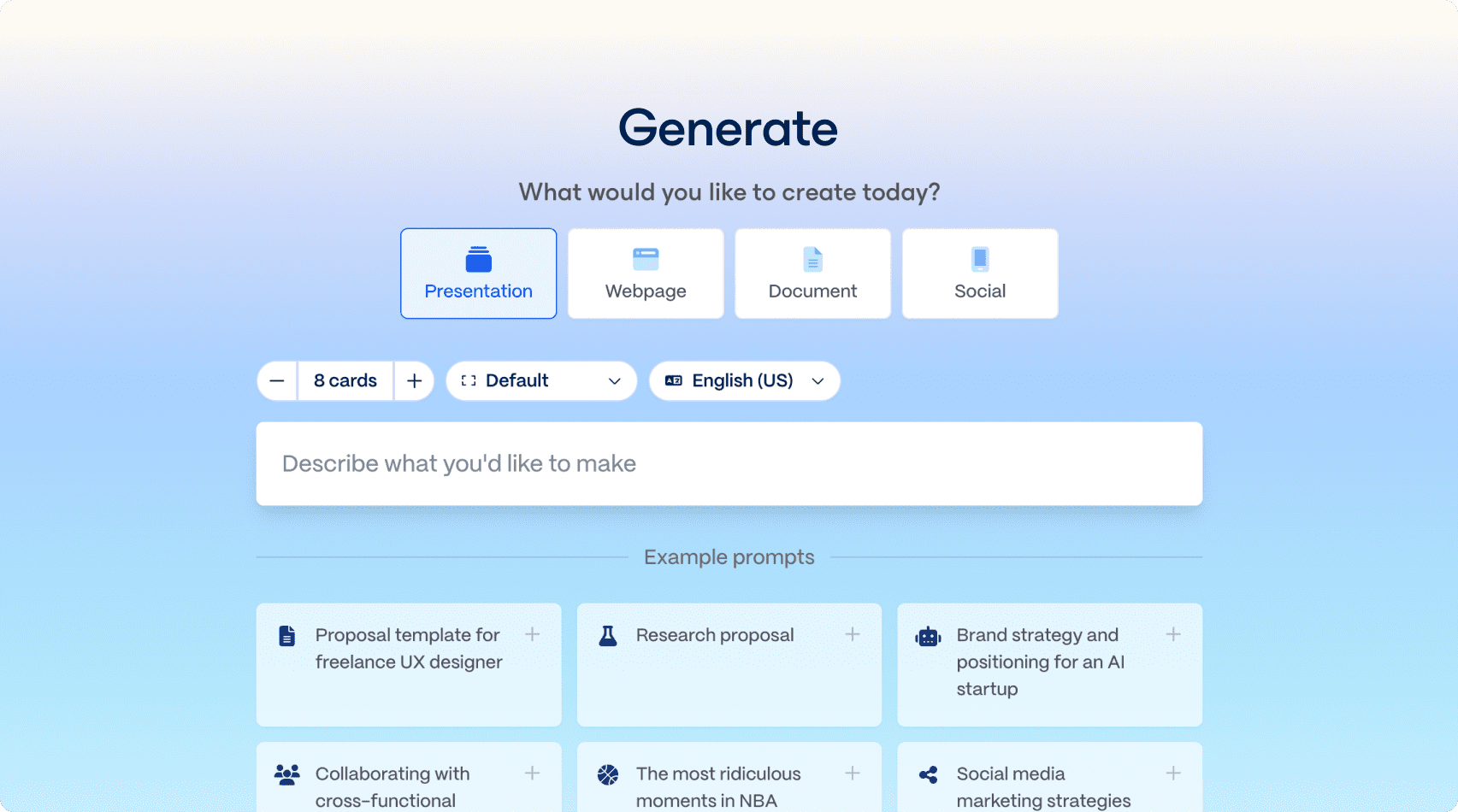
Gamma slotted into the end of that process rather than replacing it. I still start in InDesign — the words, the structure, the design thinking. Then I feed that into Gamma and get a clean web link out the other side. A proper landing page the client can open on any device, no download required.
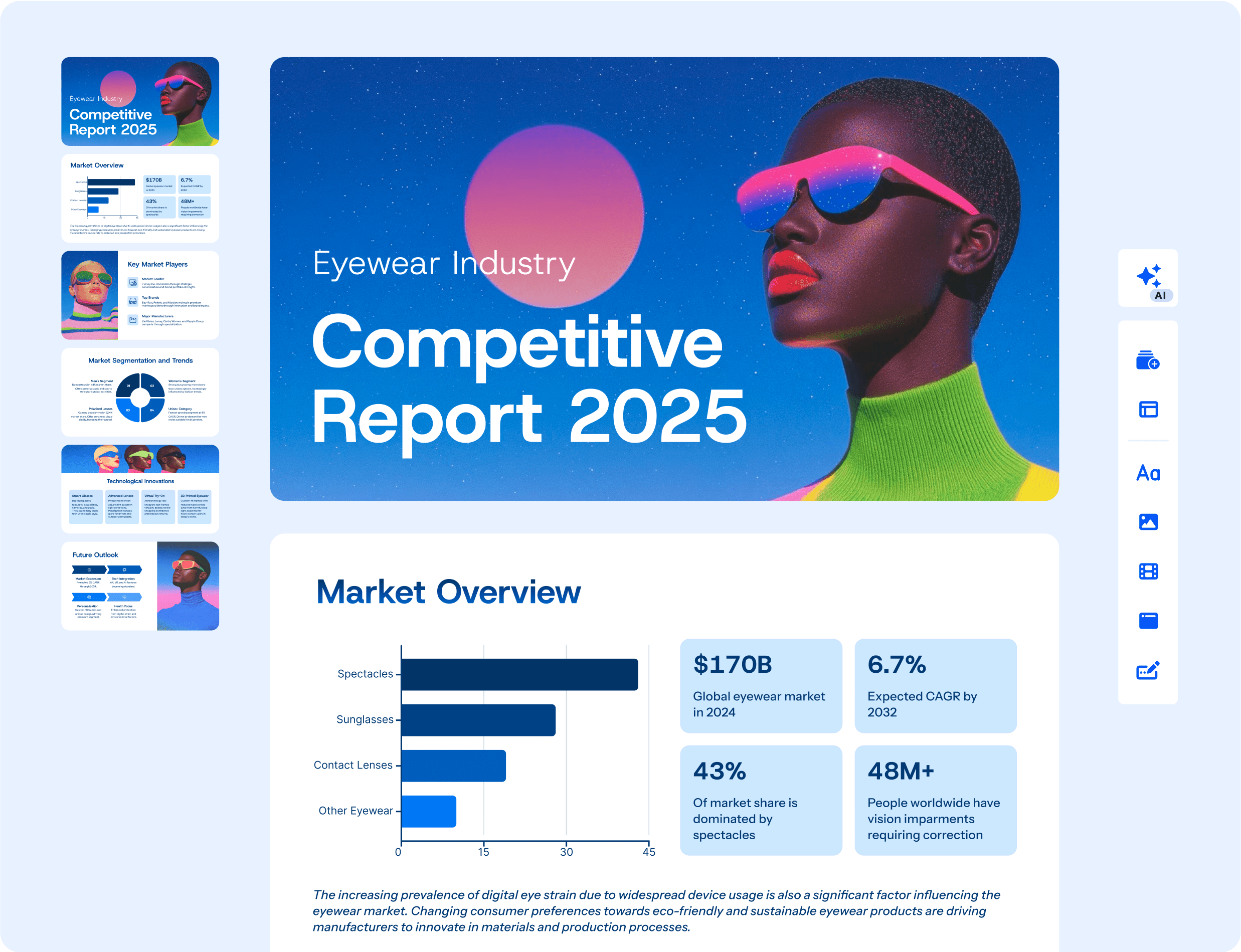
They also get a PDF if they need it. But most clients prefer the link.
The open tracking is quietly useful too. You can see who looked at it and how far they got — which tells you a lot about whether a follow-up call is worth making.
Descript — screen recording without the faff
I make a lot of screen recordings. Client handovers. Walkthroughs. The occasional piece of tutorial content.
I used Loom for years. Then Loom started hiding features behind higher tiers in ways that felt petty, and I started looking around.
Descript edits video by editing the transcript. Delete a word from the text, it’s gone from the video. It sounds like a gimmick until you use it and realise you’ve been doing it the hard way your whole career.
It’s not the simplest tool on this list. There’s a real learning curve. But the time it saves on editing is not small, and the voiceover tools are genuinely good if you’re producing any kind of audio content.
AdCreative.ai — ad creative without the back-and-forth
I’m a copywriter. I have opinions about creative. Most AI ad tools produce output that looks like it was made by someone who has heard of marketing but never actually done any.
AdCreative.ai is different — not because it’s perfect, but because it’s a genuinely useful starting point. It generates on-brand static creative using your actual colours and logo. The output needs editing. But it’s faster to edit something that’s 70% there than to start from a blank canvas every time.
I use it for client campaign creative and for testing ad concepts before committing to a full production run.
AppSumo — where I buy things at prices that make sense
Most SaaS is priced for enterprises with procurement departments. AppSumo is not that.
I’ve bought lifetime deals on tools I use daily for what most platforms charge per month. The vetting is solid — they don’t list everything, and refunds are fast when something doesn’t work out.
It’s where I source things I’m curious about before committing to a full subscription. Low risk to try, easy to exit.
What didn’t make the list
A lot of things. I’ve refunded more tools than I’ve kept. The graveyard includes. three different project management apps, two AI writing tools that wrote like robots trying to pass as humans, a scheduling platform that looked great in the demo and broke on day one, and roughly a hundred AppSumo purchases that solved problems I didn’t actually have.
The test I use now. is this open on my screen next Tuesday? If the answer is probably not, I don’t buy it.
Running your business on email that doesn’t have your name on it?
Get a custom domain email, shared Drive, Meet and Calendar — all in one place. 14-day free trial, no credit card needed.
Message me after signing up for an exclusive discount.
Want this kind of setup for your business? Let’s talk →
Affiliate links may apply. I only recommend tools I’ve actually bought and tested. If you buy through my link, I earn a small commission — at no extra cost to you.