
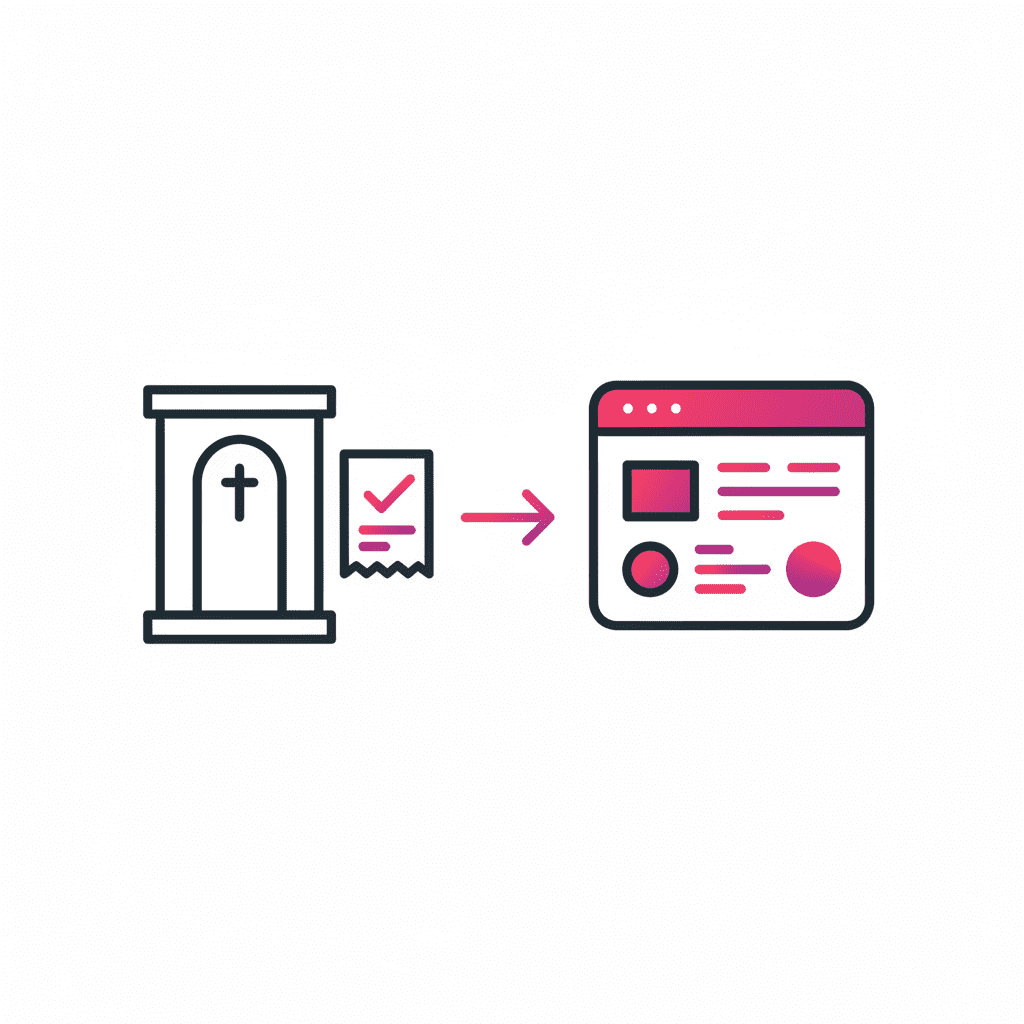

I forward a receipt from my phone. By the time I’ve made a coffee, it’s cost-coded and sitting in Xero. Fifteen years of shoebox receipts and I could have had this. The guilt is immense. But different guilt to what I’m about to tell you about.
I went to Catholic school.
Which means reconciliation — the sacrament, not the spreadsheet — was a formative experience. Every few months, you’d shuffle into the confessional, mumble your sins to a priest whose name you’d already forgotten, and walk out feeling suspiciously clean.
The relief was extraordinary. The clean slate. The fresh start. No backlog.
I have spent the last 25 years chasing that feeling in my business accounts. And failing. Repeatedly.
The specific shame of unreconciled accounts
If you run a small business and you’ve never stared at three months of unmatched transactions in Xero at 11pm on a Sunday, I don’t know what to tell you. You’re either very disciplined or you’re lying.
For the rest of us, there’s a particular flavour of dread that builds when the reconciliation gets away from you. It’s not stress exactly. It’s guilt. The kind that was installed at age seven and apparently never uninstalled.
I once sat in a confessional — Father Forgotten His Name, lovely man, very patient — and admitted I stole 50 cents from my brother Mark’s ute ashtray. The shame. The penance. The relief.
Unreconciled accounts feel exactly like that. Except Mark is the ATO, the penance is a weekend, and Father Forgotten His Name has been replaced by a Xero dashboard that just says 127 items need attention.
Fark.
What I actually do now
I signed up for Dext recently and I’m already a convert. Which feels appropriate given the religious theme.
Here’s my actual workflow now:
I get an expense. Receipt, invoice, whatever. I forward it to my organisation’s designated Dext email address. That’s it. That’s the whole task.
Dext reads it, extracts the data with 99% accuracy, assigns the cost code, and syncs it directly to my Xero business bank feed. By the time I’ve made a coffee, it’s done. Categorised. Matched. Gone from the guilt pile.
700,000 small businesses use Dext. In January 2026 alone, the platform processed 31.4 million receipts globally. Without Dext, that would have been more than two million hours of manual admin. With Dext, it took 206,000 hours. That’s a 90% reduction in processing time.
I feel seen.
The bit that’s genuinely new: AI Assist
Dext just launched AI Assist in March 2026 and this is where it gets interesting for small business owners specifically.
Most bookkeeping automation tools work on rules. You tell it: “when you see X, do Y.” That works fine until your business has any nuance at all — different clients, different cost centres, different ways of categorising things depending on context.
AI Assist doesn’t use rigid rules. It watches how you work. Your coding decisions. Your category preferences. The way you structure descriptions. It learns your patterns — your specific, organisation-specific, slightly-idiosyncratic-because-that’s-how-you’ve-always-done-it patterns — and then starts applying them automatically across future transactions.
It surfaces every suggestion for your review before applying it. You stay in control. The AI adapts to you, not the other way around.
One beta user — a manufacturing firm — has job codes that are essential for tracking revenue and cost of goods sold. AI Assist learned the context, not just the rule. It now recognises which transactions need job codes, extracts the right information and applies it consistently. Without being told every single time.
That’s not automation. That’s a bookkeeper who’s studied how you think.
What Dext actually covers
In case you’re not familiar with the full platform:
Receipt and invoice capture — mobile app, email forwarding, desktop drag-and-drop, even WhatsApp. However the document comes in, Dext catches it.
Bank feed connection — connects to 11,500+ banks and syncs directly to Xero, QuickBooks, MYOB, Sage, Zoho and more. The reconciliation happens automatically.
Expense management — capture, submit and approve expenses in one place. No paperwork. No email chains. No shoebox.
Vault — secure document storage. Audit trail. Everything accessible, searchable, organised. Your accountant gets what they need without the back-and-forth.
AI Assist — learns your bookkeeping decisions and automates the repetitive ones. Available now as a free trial.
Integrates with Xero, QuickBooks, MYOB, Sage, Zoho and 36 other accounting platforms. Trusted by 12,000+ accounting firms globally.
The discount
If you want to try it — and if unreconciled accounts give you any kind of guilt at all, you should — you can get 15% off your first year via my affiliate link: join.dext.com/kfxeczgcunqw
It’s genuinely useful. I’m using it. I’m not recommending it because of the affiliate commission. I’m recommending it because I forwarded an invoice on my phone on Tuesday and it was in Xero before I got to my desk.
That’s absolution. That’s the clean slate. That’s what seven-year-old me was looking for in that confessional.
If only AI Assist had been around back then. Father Forgotten His Name would have had a much shorter session. The 50 cents from Mark’s ute ashtray would have been automatically categorised under Miscellaneous Sibling Expenses and reconciled before I even said three Hail Marys.
Sorry God. And Mark.
Frequently asked questions
What is Dext and what does it do?
Dext is bookkeeping automation software for small businesses. It captures receipts and invoices via email, mobile app or WhatsApp, extracts the data with 99% accuracy, assigns cost codes and syncs directly to accounting software like Xero, QuickBooks and MYOB. It eliminates manual data entry and keeps your books reconciled in real time.
How does Dext integrate with Xero?
Dext connects directly to your Xero bank feed. When you forward a receipt or invoice to your Dext email address, it extracts and categorises the data and syncs it to Xero automatically. Transactions are matched and reconciled without manual input.
What is Dext AI Assist?
Dext AI Assist is an AI agent launched in March 2026 that learns how your business codes and categorises transactions. Instead of using rigid rules, it watches your decisions and preferences over time and applies them automatically to future transactions — while surfacing every suggestion for your review before applying it.
Is there a discount available for Dext?
Yes — you can get 15% off your first year of Dext via this affiliate link: join.dext.com/kfxeczgcunqw. The discount is applied automatically at checkout.
Does Dext work for Australian small businesses?
Yes. Dext is available in Australia and integrates with Xero, MYOB and QuickBooks — the most commonly used accounting platforms for Australian SMBs. It connects to Australian bank feeds and handles Australian tax categorisation.
Affiliate note: The Dext links in this post are affiliate links. If you sign up, I earn a commission — at no extra cost to you. I signed up myself before writing this. Nuffin’s for free.